HTML template aur ready-to-run website: backend ka farq samjhein
PixelaMart guide: frontend demo, backend integration aur downloadable software source mein kya farq hai, aur launch se pehle kya plan karna chahiye.
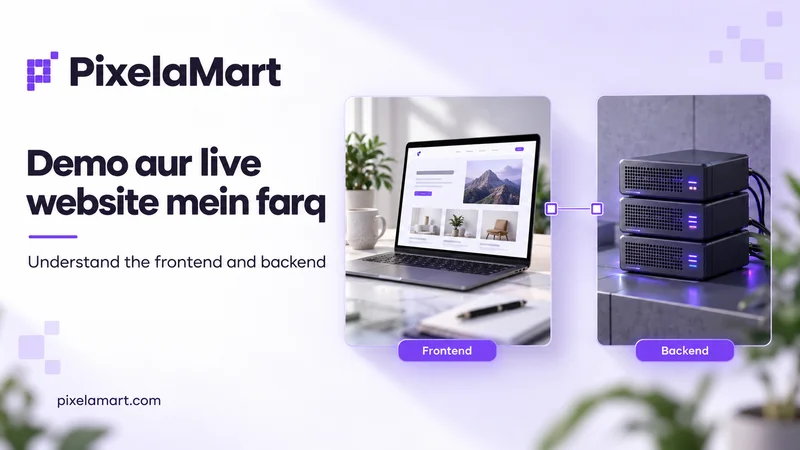
Aap ek website preview kholte hain. Search kaam karta hai, cards filter hote hain aur form ke baad message bhi aa jata hai. Kya iska matlab website real customers ke liye ready hai? Zaroori nahi. PixelaMart par digital product choose karte waqt visible interaction aur actual service ke beech ka farq samajhna useful hai.
Frontend kya dikhata hai?
Frontend website ka woh hissa hai jo visitor browser mein dekhta aur use karta hai: layout, typography, navigation, cards aur form fields. HTML structure deta hai, CSS appearance handle karta hai aur JavaScript interactions add kar sakta hai. Kuch interactions browser mein sample data ke saath chal sakte hain.
Example ke liye, PixelaMart ka Estate Studio ten static pages aur listing filters ke saath aata hai. Product listing clearly batata hai ki live property feed, CRM, authentication aur actual booking included nahi hain. Isse aapko visual starting point milta hai; live business workflow alag plan karna hoga.
Backend kab chahiye hota hai?
Jab information reliably save karni ho, account verify karna ho, booking availability check karni ho ya data multiple sessions mein manage karna ho, server-side services ki zaroorat ho sakti hai. Form ka design aur form se enquiry deliver hona do alag responsibilities hain.
Har website ko custom backend banana zaroori nahi. Ek simple information site suitable hosted form ya booking service use kar sakti hai. Choice aapke requirements par depend karegi. Integration ka scope, recurring cost aur data handling purchase se pehle discuss karein.
Source code package bhi hosted service nahi hota
PixelaMart ka Pixelabill frontend-only template se different hai: listing mein editable frontend, Node.js server aur SQLite storage source included hain. Phir bhi ye buyer-managed installation wala downloadable package hai, hosted subscription nahi.
Current Pixelabill listing Node.js 24.15 or newer require karta hai aur single-shop retail workflows describe karta hai. Payment gateway, GST filing aur e-invoice automation included nahi hain. Software ke naam ya catalogue category ki jagah exact product description padhein.
Developer ko clear launch checklist dein
- Kaunse screens sirf information dikhayenge?
- Kaunse actions data save ya send karenge?
- Data kahan store hoga aur access kaun manage karega?
- Hosting, backups aur ongoing maintenance ka owner kaun hoga?
- Failure hone par visitor ko kya message milega?
Demo data ke saath test karein. Real customer information add karne se pehle required security, access controls aur backup process verify karwayein. Successful-looking screen alone complete workflow ke kaam karne ka proof nahi hai.
Purchase se pehle scope clear rakhein
PixelaMart par included files, installation requirements aur exclusions ko ek saath padhein. Agar aapko ready hosted service chahiye, downloadable template ko uska substitute na samjhein. Agar aap customise aur deploy karna chahte hain, source files useful starting point ho sakti hain.
PixelaMart templates explore karein, preview dekhein aur apne launch plan ke missing pieces likhein. Clear expectations se design aur development ka kaam plan karna aasaan hota hai.