Website banwane se pehle apna content kit kaise taiyaar karein?
Services, photos, contact details aur page goals ko organise karke PixelaMart template customisation ka clear starting point banayein.
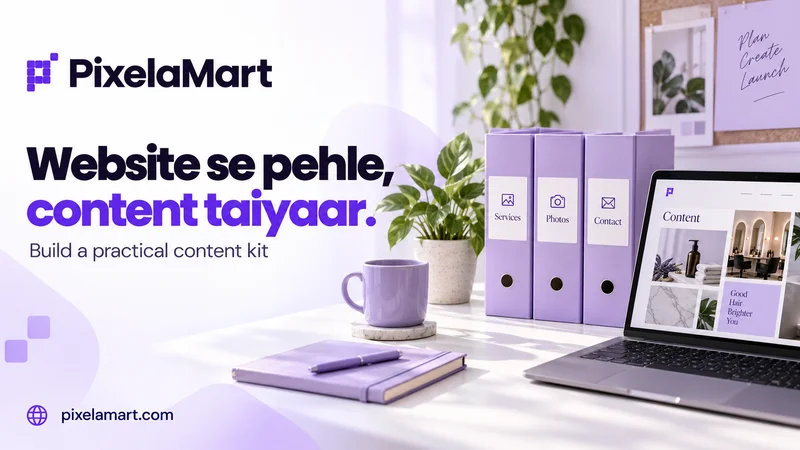
Template choose ho gaya, lekin website ka kaam phir bhi ruk gaya. Reason aksar design nahi hota: service details alag chats mein hain, approved photos nahi mil rahi aur footer mein kaunsa address use hoga, ye clear nahi. PixelaMart template customise karne se pehle ek simple content kit banana is confusion ko kam kar sakta hai.
Pages ki list se shuru karein
Apne visitor ke questions likhein. Aap kya offer karte hain? Kis location par? Kaam ka example kahan dikhega? Contact kaise hoga? In questions ko pages ya sections se match karein. Har business ko bahut pages ki zaroorat nahi, aur har question ko home page par bharna bhi useful nahi.
PixelaMart ke Detail Lab mein one-page car-detailing layout hai, jabki Offbeat Club mein multiple workspace pages hain. Content kit banate waqt apne chosen layout aur actual information ko saath dekhein. Sirf template mein section hai isliye uske liye claim invent na karein.
Service information ek format mein likhein
Har service ke liye naam, short explanation, included work, exclusions aur next step likhein. Price mention karna ho to actual amount aur applicable conditions owner se verify karayein. “Best quality” jaise vague words se zyada helpful hai batana ki customer ko kya milega.
Photos ko naam aur context dein
Ek folder mein approved images rakhein. File names meaningful hon: reception, meeting-room ya exterior. Kis page par kaunsi photo suitable hai, ek note add karein. Sirf wahi images use karein jinke rights ya permission aapke paas hain. Demo photo ko apne real premises ka proof bana kar present na karein.
PixelaMart templates ki bundled images layout samajhne mein help kar sakti hain. Apni website publish karte waqt visual aur business reality match honi chahiye. Agar illustration use kar rahe hain, use misleading proof ki tarah frame na karein.
Contact aur actions ko lock karein
- Business name aur approved logo.
- Correct phone, email, location aur hours.
- Har main button ka label aur destination.
- Services aur FAQs ka reviewed draft.
- Relevant policy content, business ke actual process ke hisaab se.
In details ka ek approved version rakhein. Multiple conflicting documents bhejne se developer ko guess karna padta hai. Updates ke saath date aur responsible person note karna useful hai.
Content kit ka practical test
Kisi colleague ko kit dein aur poochhein: isse business ka offer aur next step samajh aa raha hai? Jahan woh guess kare, wahi clarification chahiye. PixelaMart par templates explore karein, phir copy aur photos ko chosen pages se map karein. PixelaMart ka design tab zyada useful banega jab usmein aapke business ki clear, accurate information hogi.