Website template ko apne brand jaisa kaise banayein?
PixelaMart ke saath logo, content, colours, images aur calls to action ko ek consistent brand experience mein badalne ka practical plan.
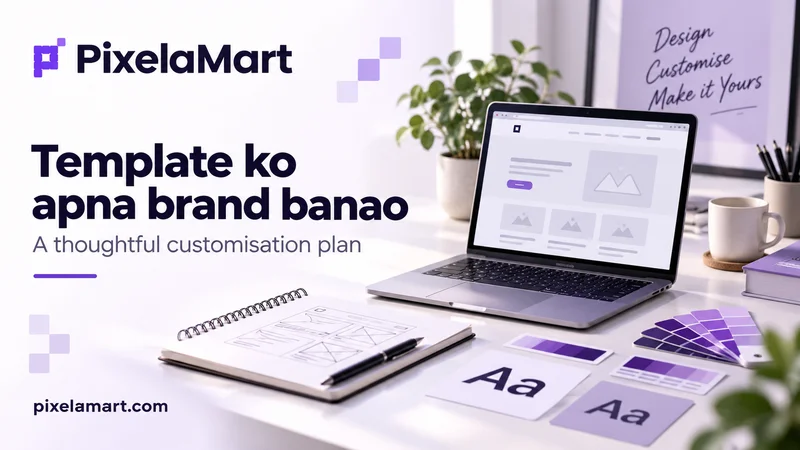
Template download karne ke baad sabse tempting step hota hai har colour badal dena. Lekin brand identity sirf colours se nahi banti. Aapki language, images, information order aur contact details bhi ek hi business ki story batane chahiye. PixelaMart template ko customise karte waqt pehle content aur identity ka chhota plan banayein.
Ek brand reference sheet rakhein
Approved logo, primary colour, supporting colour, heading font aur body font ek jagah note karein. Website ke har page par logo ki alag version use karne se identity inconsistent lag sakti hai. Original proportions preserve karein; logo ko stretch karke header mein fit na karein.
PixelaMart par editable source files milne ka fayda tab zyada clear hota hai jab changes coordinated hon. Pehle existing layout aur shared styles samjhein, phir systematic edits karein. Agar code comfortable nahi lagta, developer ko reference sheet dena random screenshots bhejne se clearer brief ban sakta hai.
Demo copy ko real information se replace karein
Business name badalna enough nahi. Services, opening hours, address, prices, team details aur footer links ko review karein. Sample testimonials, client counts aur performance claims ko real evidence ke bina publish na karein. Jis section ke liye genuine content nahi hai, use simplify ya remove karna better ho sakta hai.
Example: PixelaMart ke Aura Studio ka salon design choose kiya hai to apne actual service names aur suitable images use karein. Demo appointment flow ko live booking service ki tarah describe na karein jab tak required integration ready na ho.
Images ko ek visual family mein rakhein
Different lighting aur cropping wali photos ek page ko uneven bana sakti hain. Apne space, products ya work ki relevant images choose karein. Har image ke usage rights check karein. Mobile crop mein important subject kat raha ho to alternate crop banayein. Informative images ke liye useful alt text likhein.
Har page ka next step clear karein
Ek service page ka useful action “View services” ya “Send an enquiry” ho sakta hai. Button label actual destination se match hona chahiye. Agar button form kholta hai to form complete test karein; agar email link hai to correct address check karein. Non-working actions ko sirf design complete dikhane ke liye mat chhodein.
Publish se pehle small consistency pass karein
- Header aur footer mein same logo aur business name.
- Consistent button labels, colours aur spacing.
- Real contact details and accurate service information.
- Readable headings and body text on mobile.
- No leftover demo names, sample claims or placeholder links.
- Forms and integrations tested through the full intended flow.
Original downloaded files ka backup rakhein aur customised version alag save karein. Isse changes compare karna aur accidental mistakes recover karna manageable hota hai.
Template ko starting point samjhein
PixelaMart par templates explore karein aur apne brand ke content ke saath unka fit dekhein. PixelaMart ka design starting point de sakta hai; final website ko trustworthy banane ke liye accurate copy, consistent identity aur tested actions aapke launch checklist ka hissa hone chahiye.